Service · New York
We teach AI to people who never thought it was for them.
Bring one real problem from the work you already have — a first customer email, a quote, a missed call, a farm record — and leave with a working example and a way to do it again.
Who this is for
This is for people for whom AI still feels far away — including local shops and services, startups, small and mid-size businesses, and farms. You do not need to be technical. We work in person in New York. Local shops remain a core part of this work.
The work we start with
You bring one real problem, and you leave able to do it again. These are examples of the work we start with.
- StartupsA first note to a customer, or research you have already gathered.
- Small and mid-size businessesA quote, an invoice, or a piece of repetitive admin.
- Local shops and servicesA missed call, or hours and details on Google Maps that you can fix yourself.
- Farms and agricultureA field note, a market listing, a grant form, or a record you need to find again.
01 · A hands-on session
Bring one real problem.
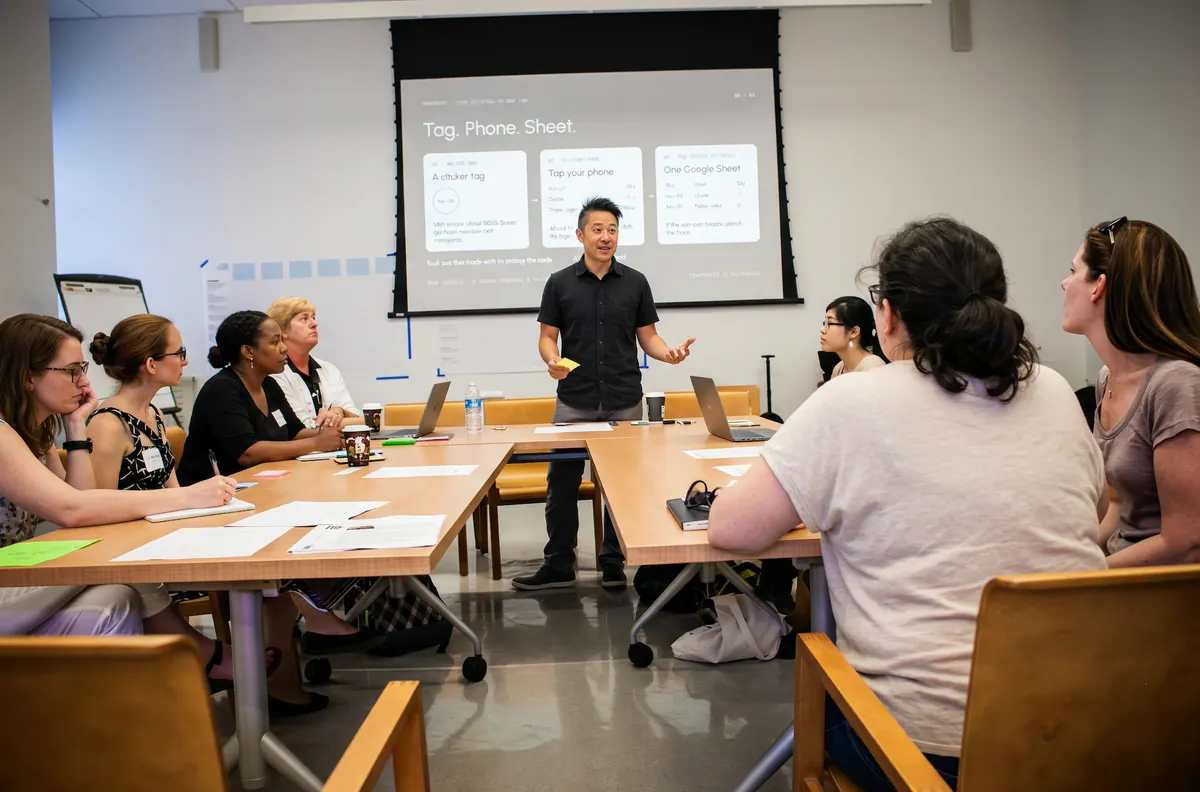
We sit with you, work through it together, and you leave with a working example and a short how-to. One-to-one, in person in New York.
02 · A small-group workshop
Work through it with other people.
A short session with a handful of others, including local shop owners, so you can see the work done out loud and take a method home. In person in New York.
How we work
Start with work you already have
A missed call, a quote, or a record that is hard to find.
Do it together
We work through the problem in front of you, in the open, with tools you can keep using.
Leave with something you can repeat
You leave with a working example and a short how-to, so the next one can be done without us.
Case study · A Japanese weekend school in Queens, NY
A storage room you can search with a tap.
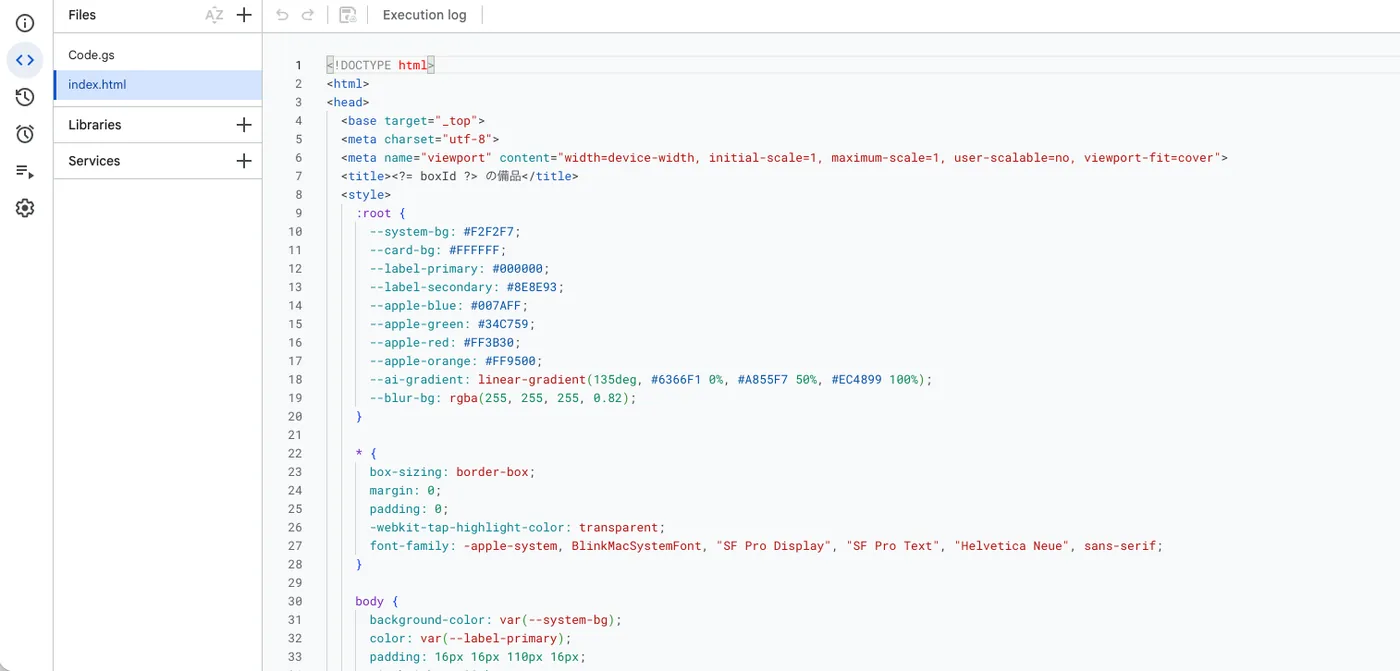
We built a simple inventory system for a Japanese weekend school that meets at a public school in Queens: a sticker tag on each box, a phone, and one Google Sheet. It took a few hours with AI and cost about $12.
The problem
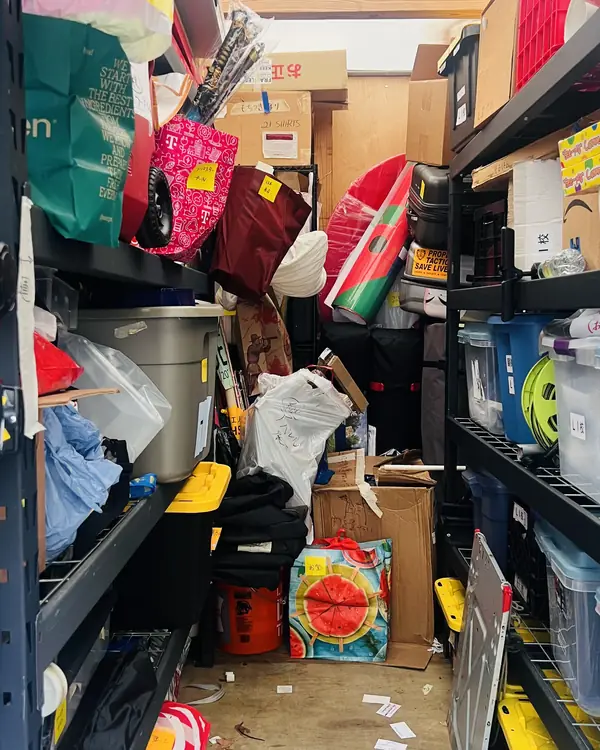
Supplies for 14 classes and clubs — 227 items — shared one storage room inside the host school. Bags, bins, and boxes filled every shelf, and finding anything meant opening every box. Eight staff and volunteers looked after the room, none of them engineers, and the people in charge changed every year. A custom app would have stopped working the year its builder left.
What we built
First, we used AI to compare RFID, QR codes, and NFC, and to draft a short, plain proposal the weekend school could sign off on. Then, in a few hours with AI writing the code, we cleaned up the 227 records and built a small Google Apps Script web app. There is no login and nothing to install. Each box got a fixed number, from BOX-01 onward, on an NFC sticker that costs about $0.24.
How it works · tag → phone → sheet
01 · Tag
A numbered sticker on each box
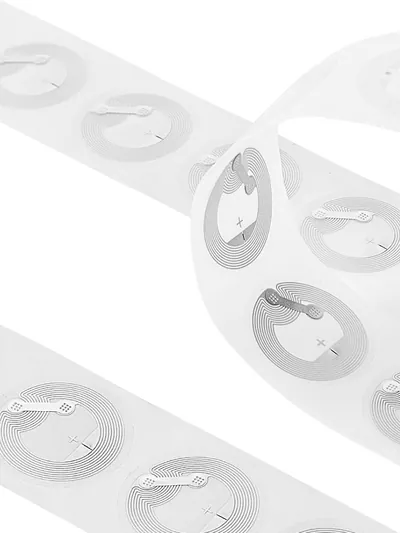
An NFC sticker, about $0.24. A box keeps its number even when what is inside changes.
02 · Phone
Tap to see what is inside
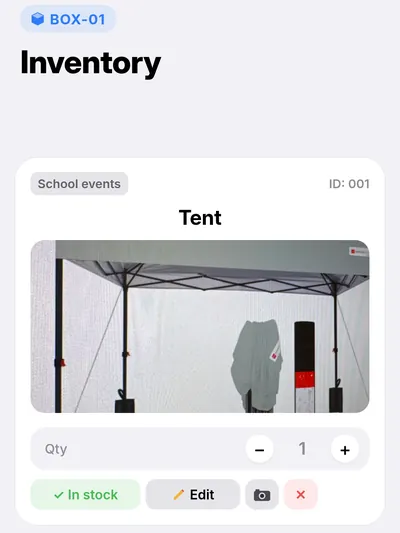
The box’s items, quantities, and handoff notes open in about a second. No login, no app to install.
03 · Sheet
One Google Sheet holds everything
A change on the phone is saved to the sheet. If the page ever breaks, a plain search of the sheet still works.
What changed
Finding a box now takes a tap instead of a search through the shelves. When something runs low, it is marked on the phone, so the next order starts from a list rather than a guess. The whole setup cost about $12.
What they run on their own
The sheet and the web app moved to the weekend school’s own Google account, not ours. Adding a box means adding rows to the sheet and setting up one more sticker. A one-page how-to stays in the room, so next year’s team can run it without us.
A workshop: find anything in one tap
A salon’s back room, a restaurant’s dry storage, a contractor’s van, a farm shed. We teach the same pattern from that case, so you can set it up yourself.
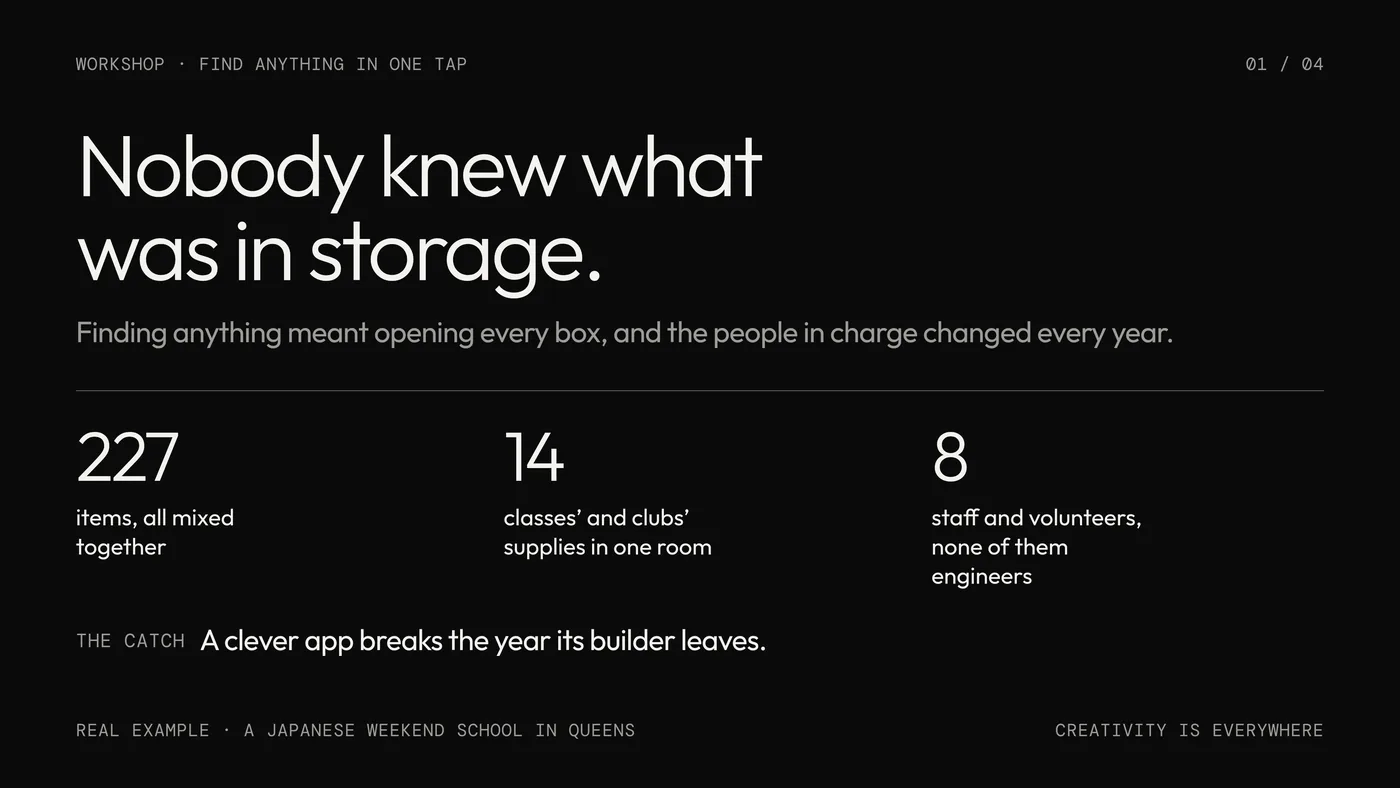
Nobody knew what was in storage.
Finding anything meant opening every box, and the people in charge changed every year.
- items, all mixed together
- 227
- classes’ and clubs’ supplies in one room
- 14
- staff and volunteers, none of them engineers
- 8
The catch: a clever app breaks the year its builder leaves.
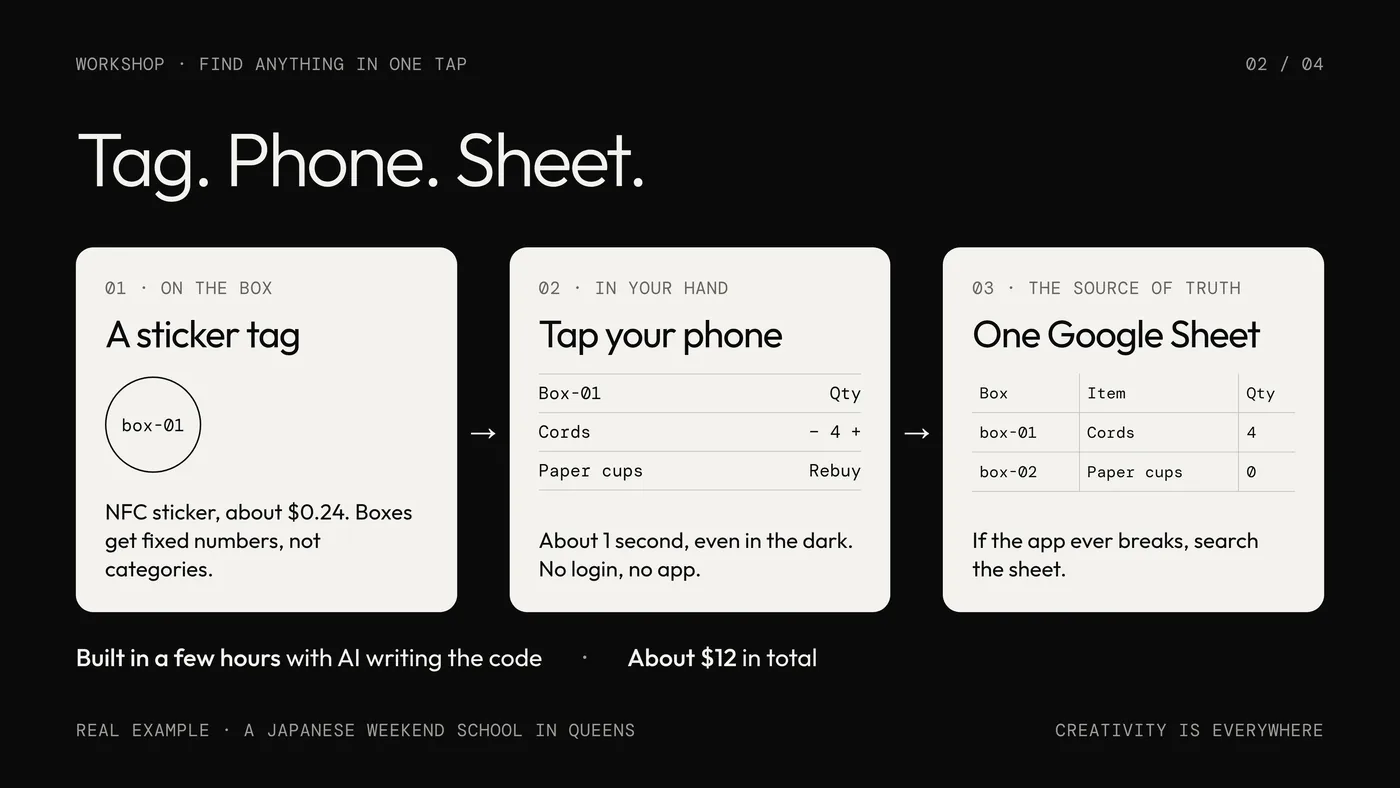
Tag. Phone. Sheet.
01 · On the box
A sticker tag
An NFC sticker, about $0.24. Boxes get fixed numbers, not categories.
02 · In your hand
Tap your phone
The box’s items and quantities open in about a second, even in the dark. No login, no app.
03 · The source of truth
One Google Sheet
If the app ever breaks, search the sheet. Built in a few hours with AI writing the code, about $12 in total.
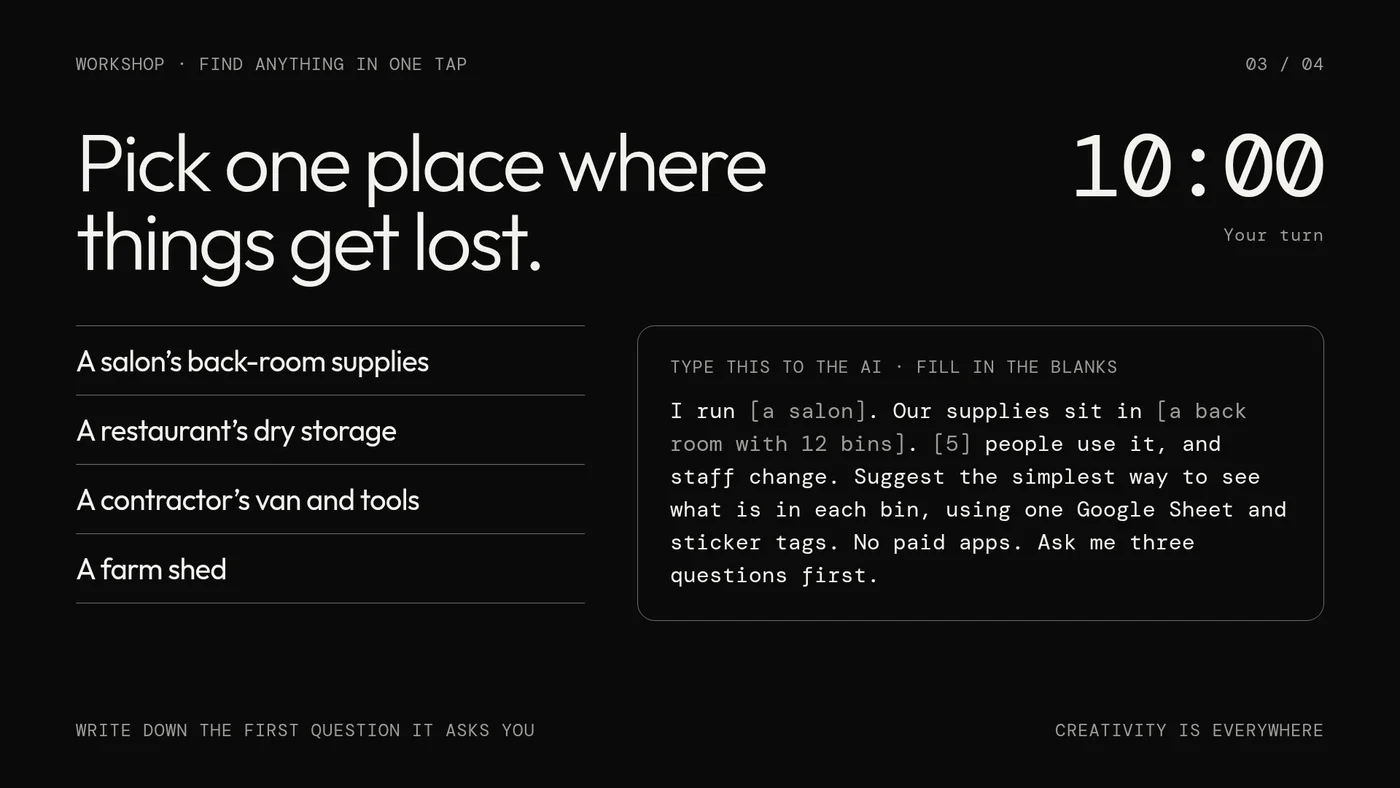
Your turn · 10 minutes
Pick one place where things get lost.
- A salon’s back-room supplies
- A restaurant’s dry storage
- A contractor’s van and tools
- A farm shed
Type this to the AI · fill in the blanks
I run [a salon]. Our supplies sit in [a back room with 12 bins]. [5] people use it, and staff change. Suggest the simplest way to see what is in each bin, using one Google Sheet and sticker tags. No paid apps. Ask me three questions first.
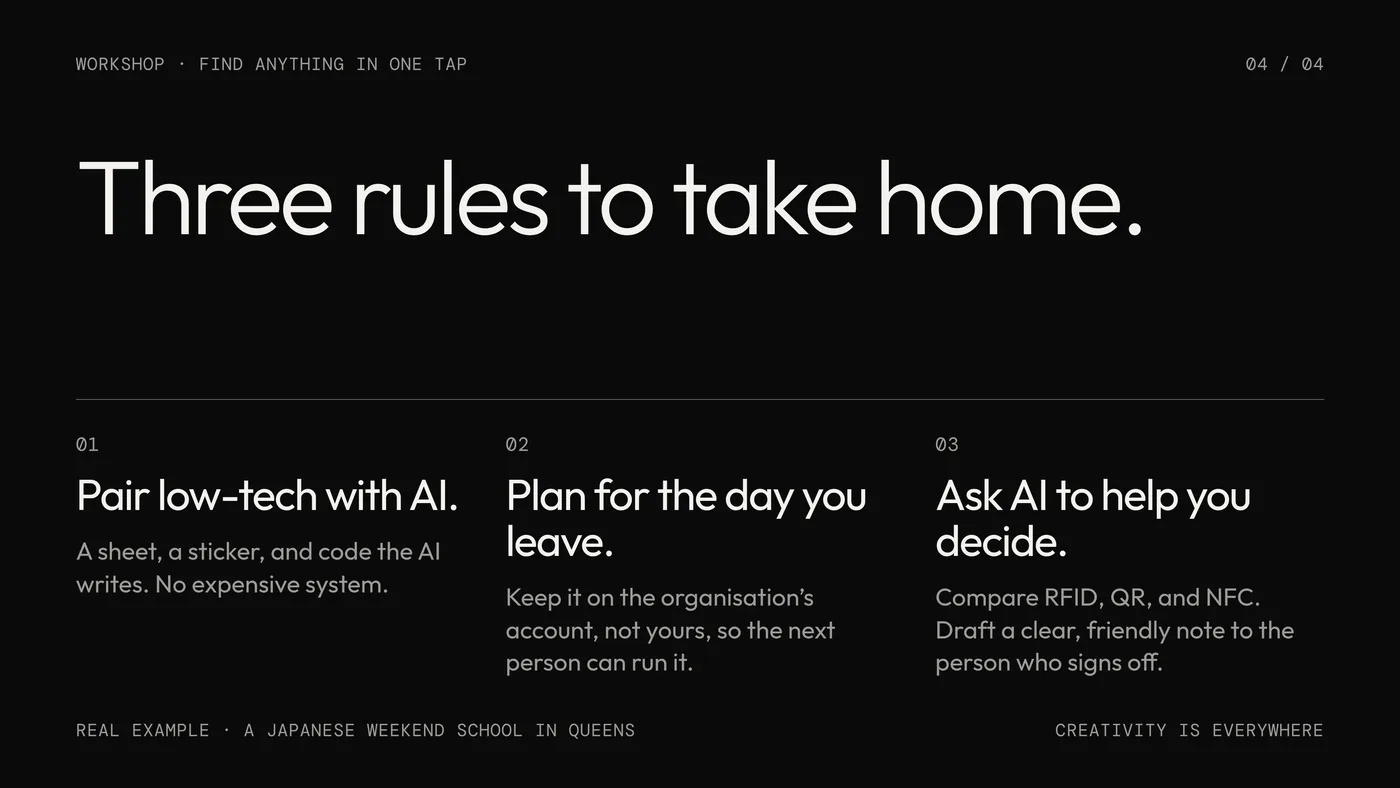
Three rules to take home.
01
Pair low-tech with AI.
A sheet, a sticker, and code the AI writes. No expensive system.
02
Plan for the day you leave.
Keep it on the organisation’s account, not yours, so the next person can run it.
03
Ask AI to help you decide.
Compare RFID, QR, and NFC. Draft a clear, friendly note to the person who signs off.
Recent work
Early work: with a group of local salons, we organised the brand structure, built a password-protected approval page, and fixed and verified 8 Google Business Profile items. We built an AI phone receptionist that answers calls a shop would otherwise miss.
Who carries the work

This is a service of creativity is everywhere, a design and innovation studio in New York, established in 2006. The work is carried by a two-person team, led by our founder.
Our founder has more than 20 years of experience facilitating workshops, and a background in UX and product design. At Verizon, our founder trained 40+ people to use AI in their day-to-day work — independently, not as an engagement of this company. The teaching is the session and the workshop, built around the work you bring.
If you would rather have this work done for you, ask us.
How to start
Start with a conversation. Tell us what is getting in the way — a few sentences is enough. The conversation is free. We reply from New York.